After completing merchant onboarding verification, you will unlock all features of the APSDAI system, including payment testing, product publishing, order management, and more. This guide will walk you through the entire onboarding process.
Onboarding Process Overview
The APSDAI merchant onboarding process includes the following 4 steps:
Before Verification
After registering and logging into the APSDAI Merchant Center, you can browse and view the system features without verification. However, you cannot perform payment testing until verification is complete.
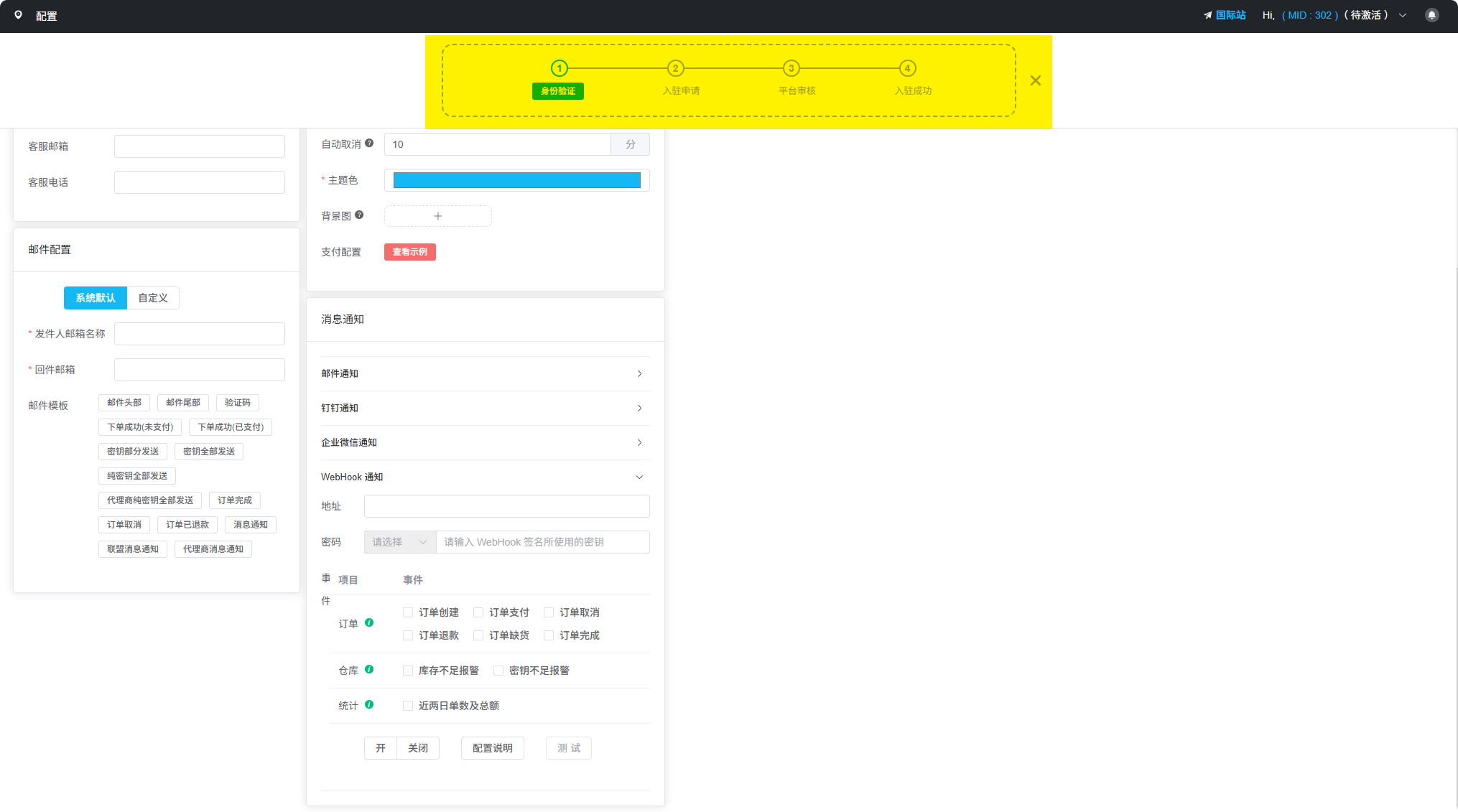
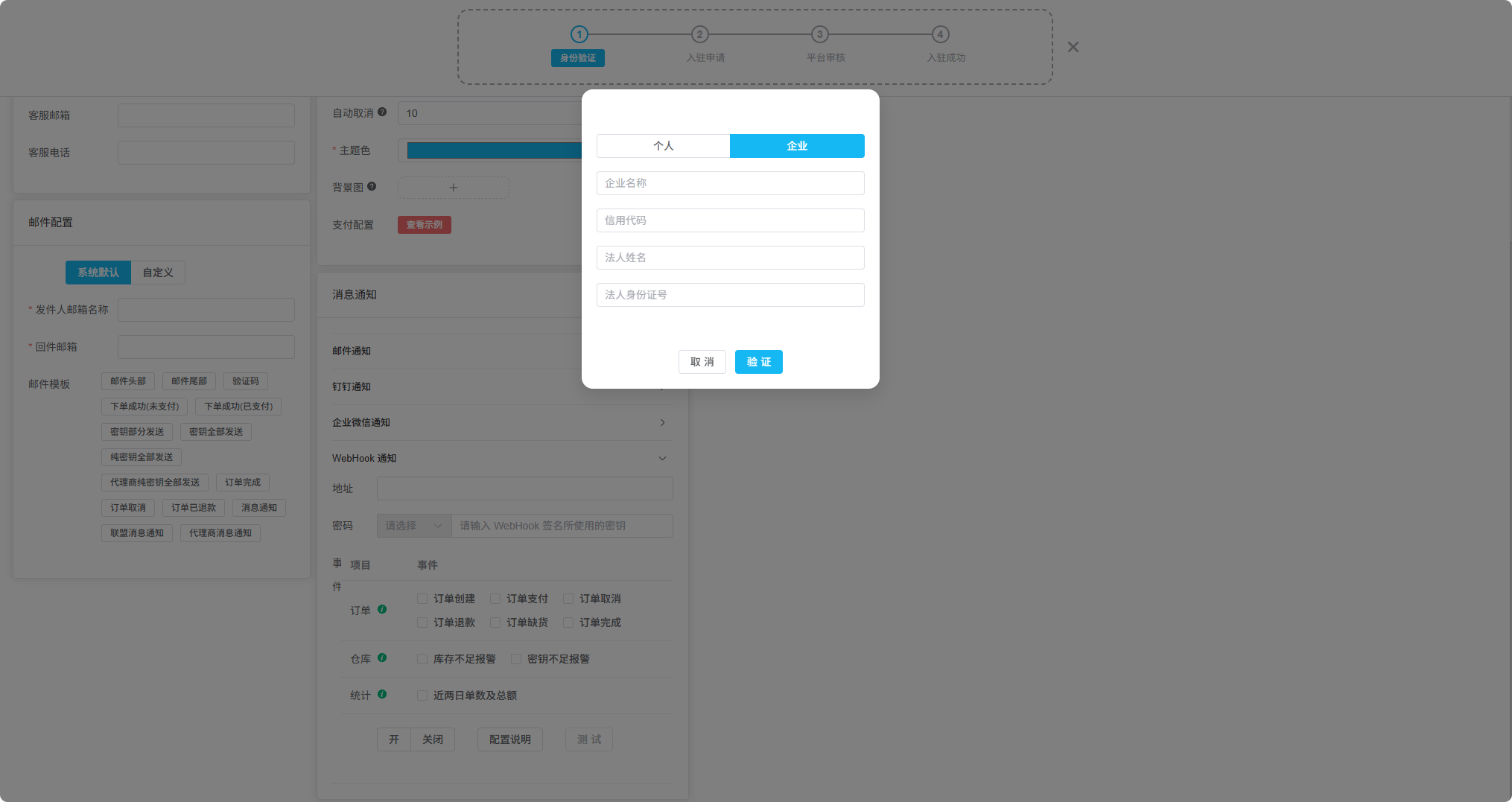
Identity Verification
At the top of the APSDAI system, you can see the 4 steps required to complete the verification process. The entire process is very simple, and identity verification is an automated process - when you enter the correct information, the system will automatically verify it.
Platform Review
Once you enter the platform review stage, our team will contact you to confirm the products you want to sell and provide full technical support for your subsequent integration work.
Important Notes
APSDAI International Site: Both individual and enterprise users are supported.
If you are an individual developer, please register at APSDAI International Site.
After Successful Onboarding
After completing onboarding verification, you can start:
- Adding and managing your software products
- Configuring payment methods and pricing strategies
- Performing payment testing
- Setting up automatic delivery rules
- Enabling the affiliate program