We are pleased to introduce APSDAI's new feature - education and academic product discount user identity verification. This feature will further enhance user experience and ensure only qualified users can enjoy our discount offers. Let's learn about this exciting new feature!
1. Publish Products Requiring Document Verification
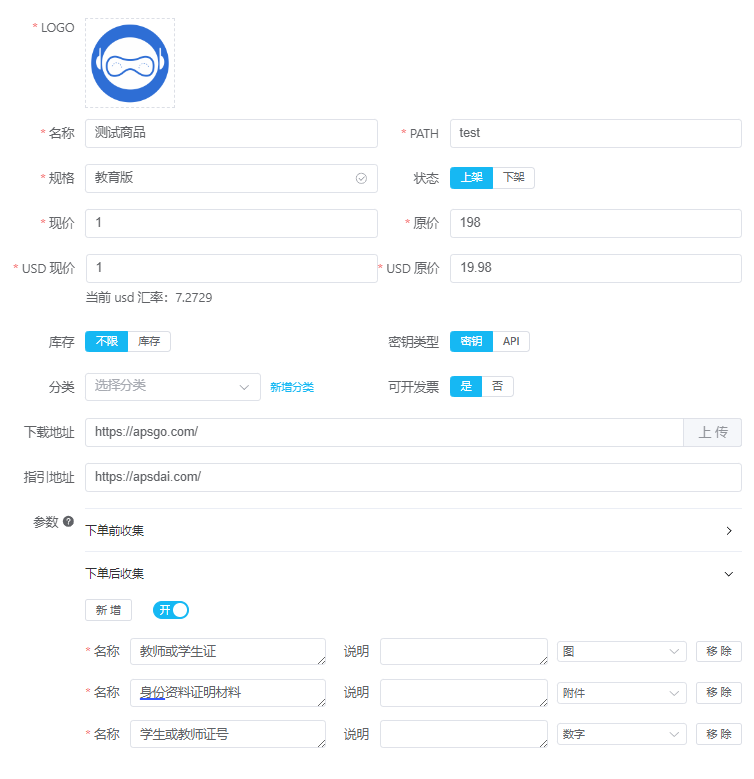
2. Order Page Prompt After Customer Places Order
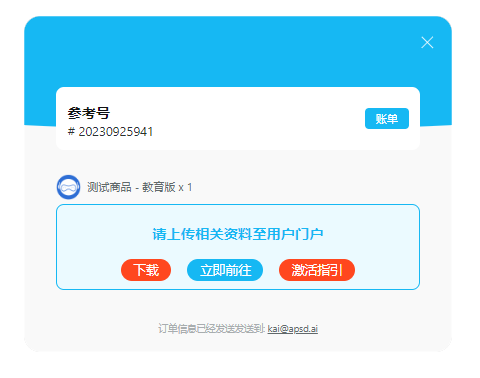
3. Merchant Dashboard - Waiting for User to Upload Documents

3.1. End User - Go to User Portal to Upload Required Documents
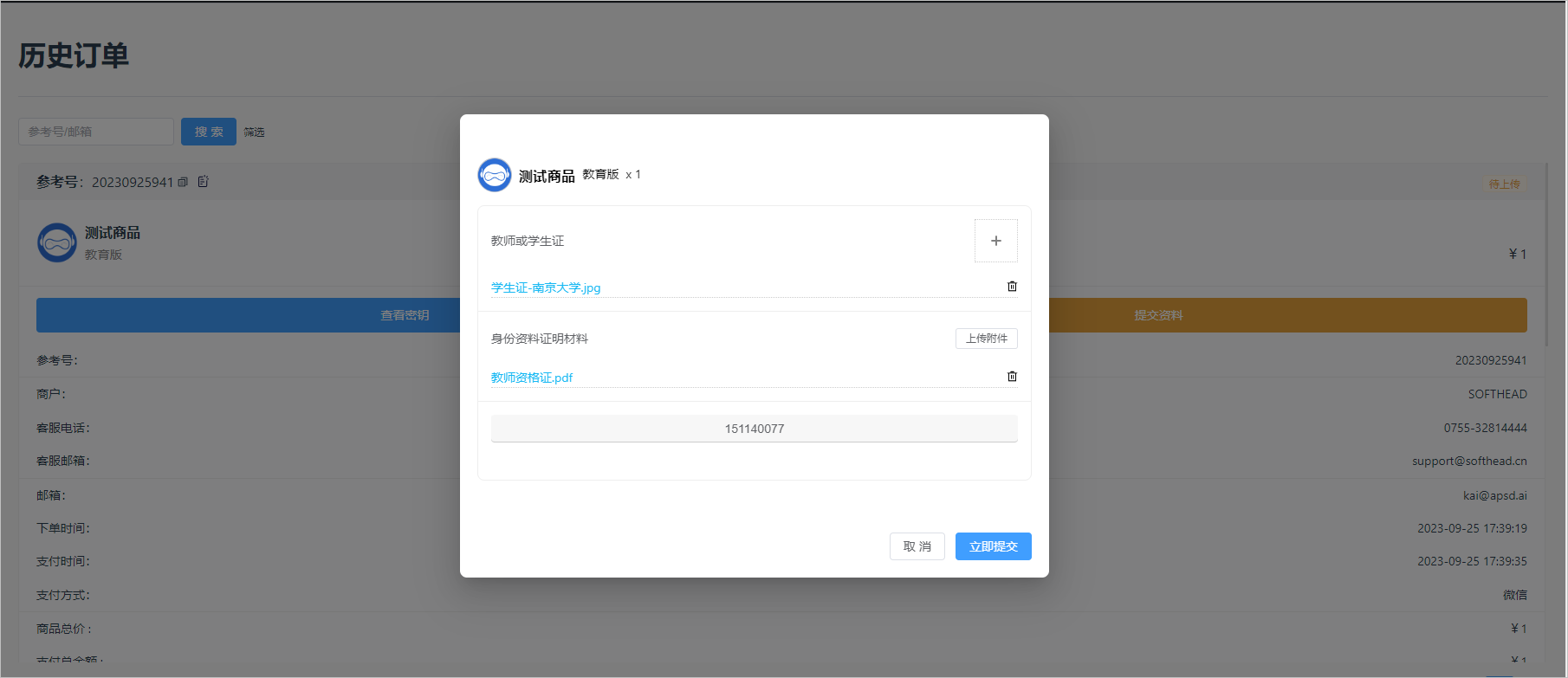
4. Merchant - Document Review After User Submission
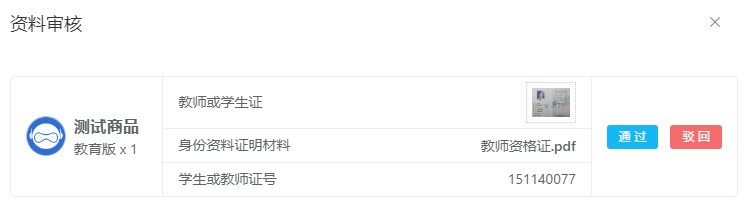
4.1. End User - Document Error, Receives Rejection Notice
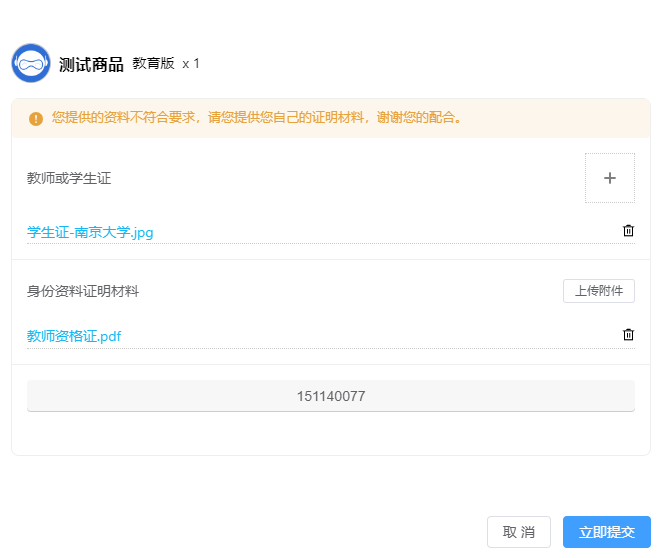
4.2. Merchant - Document Accurate, Approved, Order Auto-Processed
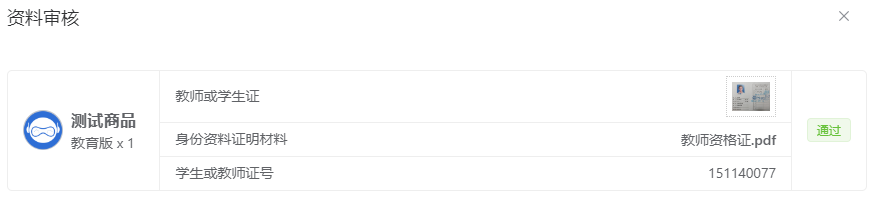
5. Process Order for User
- Manual Delivery: Manually enter registration code, or click deliver without code, order complete.
- Auto-Deliver Product Key: After document approval, automatically retrieve inventory key or call API for delivery, order complete.
After the merchant completes the order, users will receive an order completion email notification, or can view specific order information in the user portal.
Pay first, then collect documents, upload documents, review documents - a seamless workflow.
APSDAI Service System, looking forward to working with you
APSDAI