Dear Partners,
We are pleased to announce that the APSDAI Affiliate System Beta version is now live. For software sales companies, an affiliate system is an absolutely essential feature that allows media websites to easily promote and advertise.
Based on years of marketing experience, we have introduced a more convenient affiliate system that provides great promotional convenience for both affiliates and merchants.
Now let us introduce this system. Please note that it is still in beta.
Merchant Side
In the merchant dashboard under Affiliate System -> Configuration, we have preset some configuration options that can be personalized according to your needs.
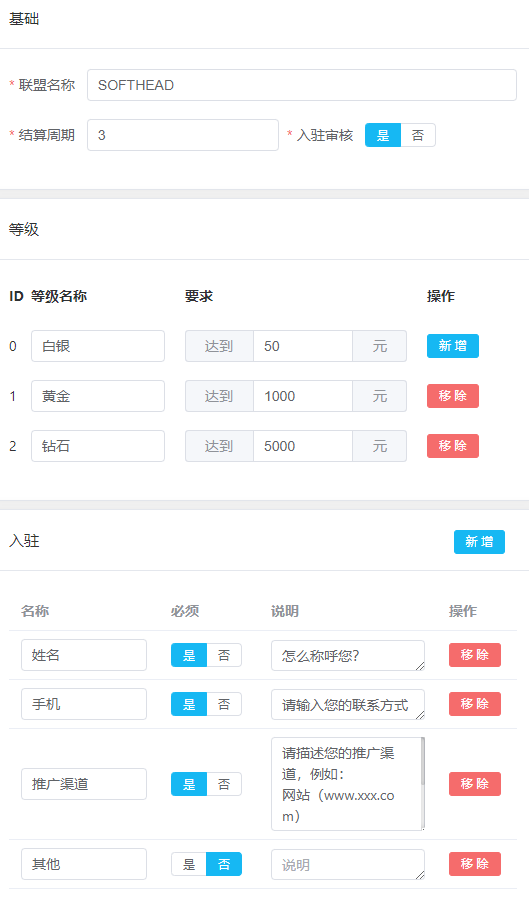
Affiliate Name: This name will be displayed during affiliate registration and when switching affiliate accounts.
Settlement Period: Default is T+3, can be modified according to your needs.
Levels: We have preset 3 affiliate levels with automatic user level calculation. The first level is the system default. For example, User A will default to the first level (Silver) after successful registration. When the promotion amount reaches 50 yuan, the user will automatically upgrade to the second level (Gold).
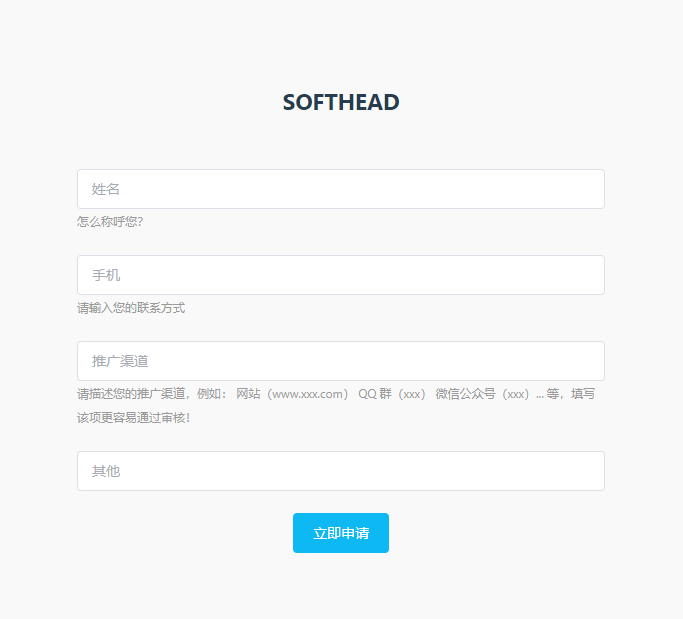
Registration Information: We have preset some information fields required for registration applications for your convenience, but you can add or modify them according to your needs.
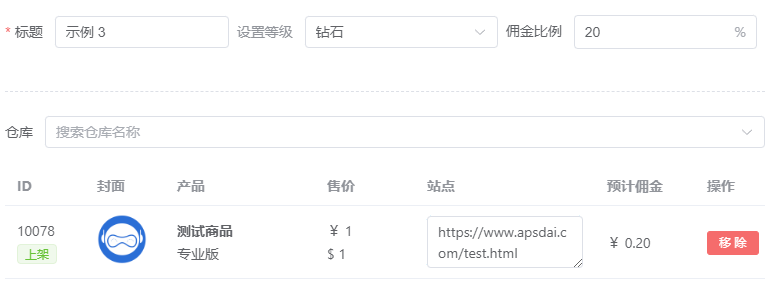
Affiliate Products: We have preset 3 different affiliate levels: Silver, Gold, and Diamond (names can be customized). You can set different commission rates for different affiliate levels and add different products.
Site: After adding products, you need to fill in the site information for the product, recommended to point to the software purchase page.
Completing the above operations means the merchant setup is complete.
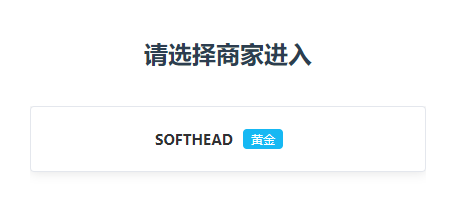
Next, go to the "Affiliates" section. Your exclusive affiliate registration invitation URL will be displayed in the top right corner.

Registration Info: You can view the information submitted by users when applying for registration.
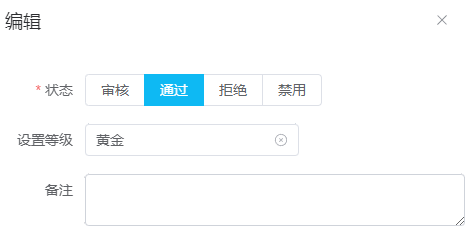
Edit: You can review user account status and directly assign different levels to users.
User Side
After users register using the exclusive affiliate registration URL and pass account verification, they enter the main page.
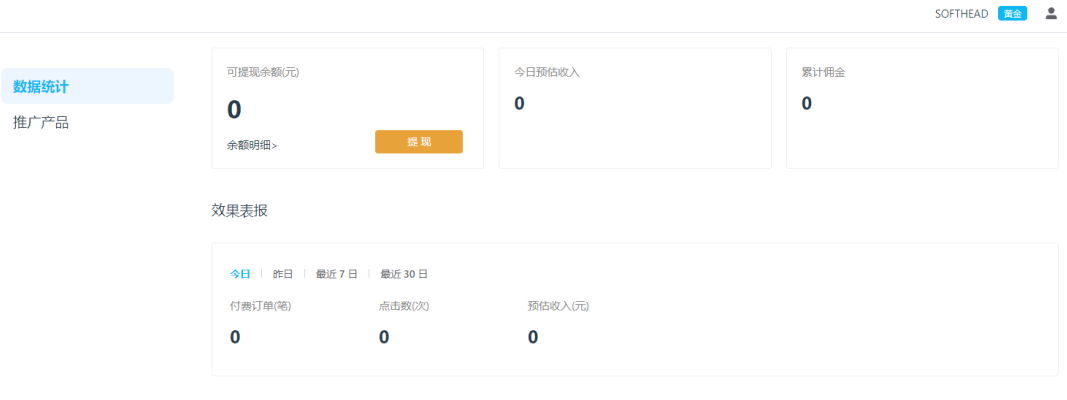
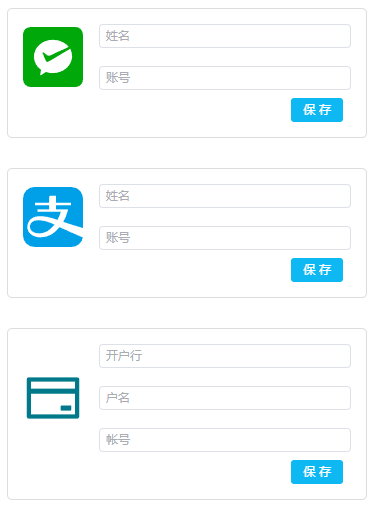
Withdrawal: Users can customize their preferred payment method. Currently supports WeChat, Alipay, and bank accounts.
Affiliate Products: Enter the product promotion page where affiliates can view authorized software and exclusive affiliate links for their current level, and download marketing materials (please complete product descriptions and materials in product details).
Withdrawal Limit: Must be greater than 50 yuan to request withdrawal.
- Short Link: APSDAI provides short link service for merchants. Visits through short links directly generate click counts.
- Direct Link: Through direct links, click counts are only generated when the corresponding software purchase button is clicked.
- One-Click Copy: Copies all information for this product, including title, version, description, short link, direct link, and marketing materials.
The above is an introduction to the APSDAI Affiliate System features. The system is still in beta, and we will continue to update with more useful features. If you have any questions, please provide feedback and we will improve as soon as possible.
Thank you for your support!
The APSDAI Team