In the Merchant Center's "Affiliate Program - Configuration", you can customize the affiliate program settings.
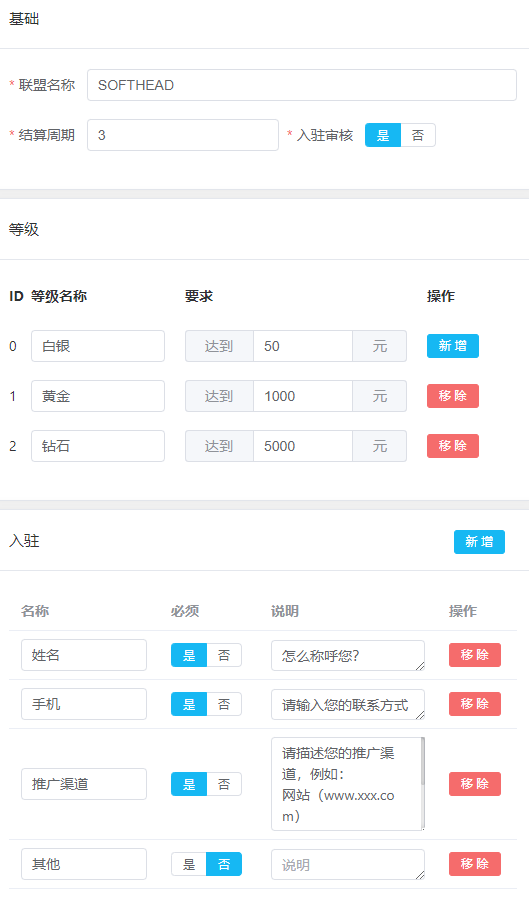
Basic Configuration
Program Name
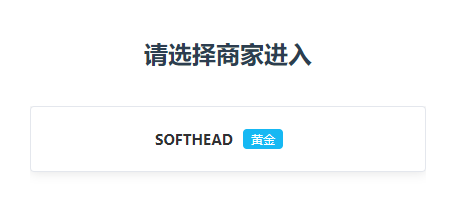
This name will be displayed when affiliates register and switch affiliate accounts, letting them know which program they are applying to join.
Settlement Cycle
Default is T+3, meaning commission settlement occurs 3 days after order completion. You can modify this according to your needs.
Referral Cookie Duration
Customize the referral cookie duration to determine how long after clicking a referral link an order will still be credited to the affiliate.
Affiliate Tiers
The system has 3 preset affiliate tiers with automatic tier calculation:
| Tier | Description |
|---|---|
| Silver | Default tier, automatically assigned to new registrations |
| Gold | Auto-upgrade when referral amount reaches set threshold |
| Diamond | Auto-upgrade at higher referral amounts |
Onboarding Information
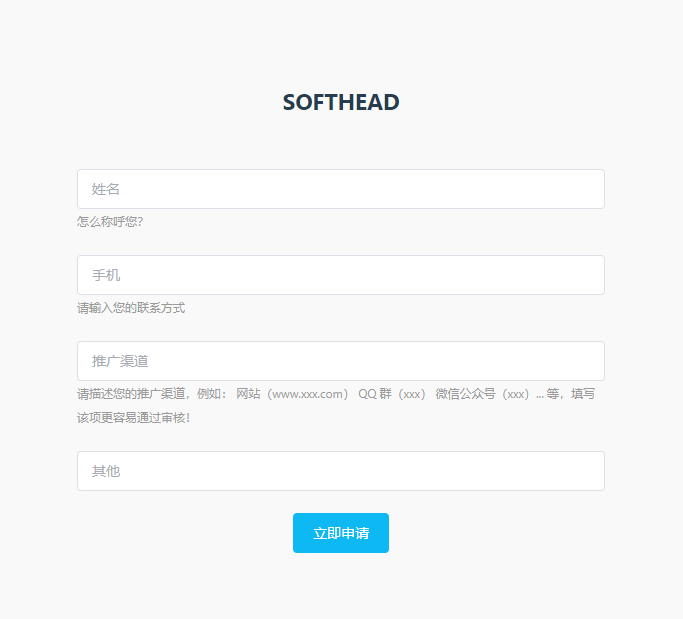
The system has preset some application fields. You can add or modify them to collect the information affiliates need to submit when applying.
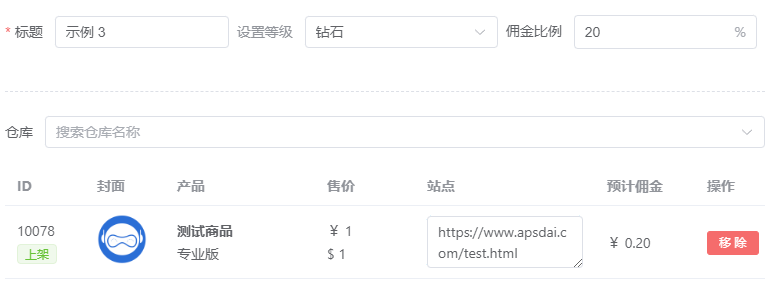
Product Configuration
Set different commission rates for different affiliate tiers and add products available for promotion:
- Commission Rate - Different tiers can have different commission percentages
- Product Selection - Choose which products can be promoted
- Site Information - Enter the product's site info, recommended to point to the software purchase page
Invite Registration
After completing the above configuration, your exclusive affiliate registration link will appear in the top right corner of the "Affiliates" section. Share this link with potential affiliates so they can register to become your promoters.

FAQ Configuration
The system has preset some FAQs that you can customize in the backend to help affiliates quickly understand the promotion rules and guidelines.