In the Merchant Center's "Settings - Configuration - Merchant Settings" page, you can set the merchant's basic information, which will be displayed on payment pages, order emails, and other locations.
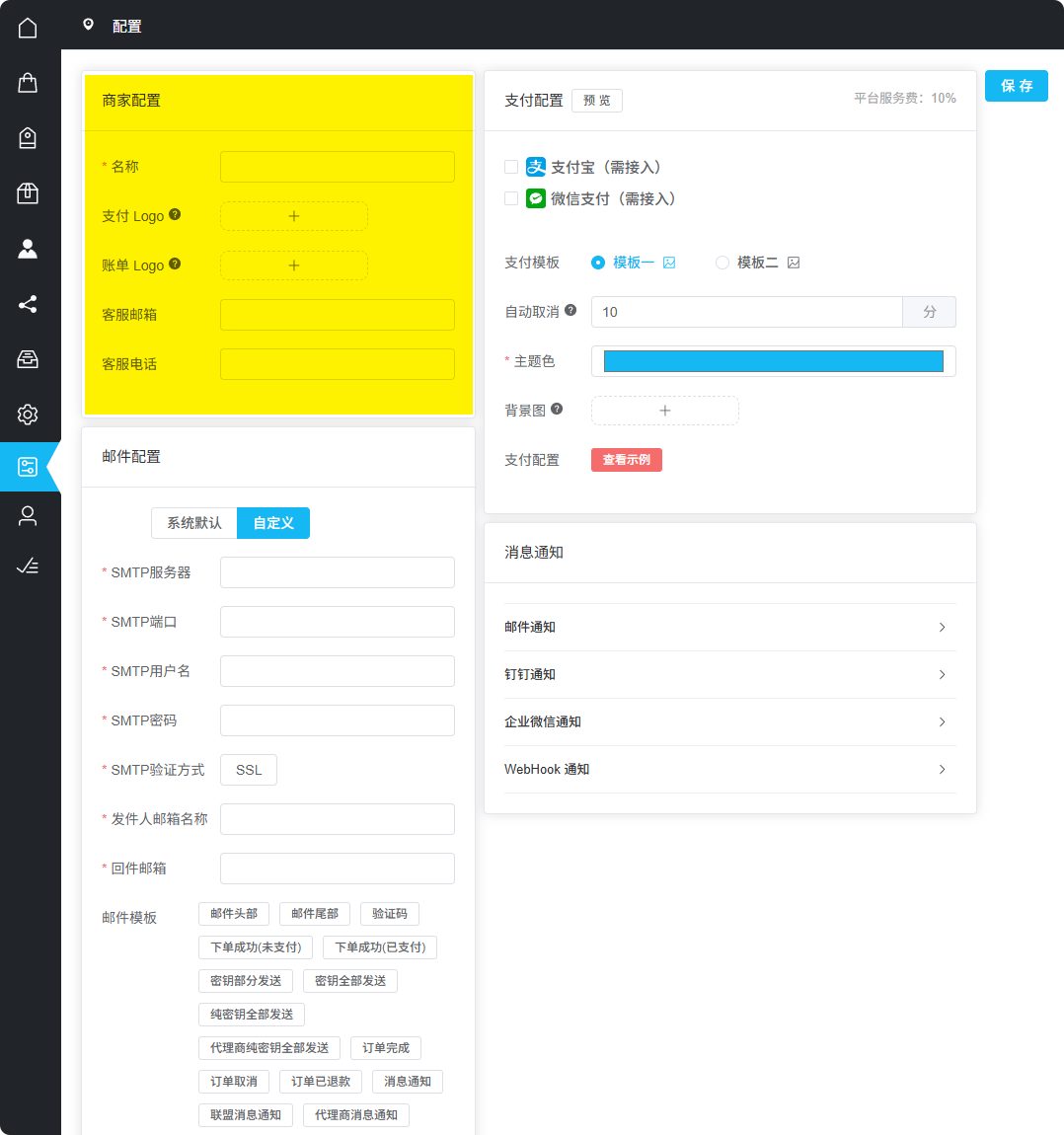
Merchant Center Merchant Settings Page
Basic Information
Merchant settings include the following basic information items:
Merchant Name
Displayed on payment page
Support Email
User contact method
Support Phone
User contact method
Merchant Name Display Locations
The merchant name you enter will be displayed in the following locations:
- Payment Page - Merchant info users see when placing orders
- Order Emails - In default order-related emails
- User Center - In user's order list
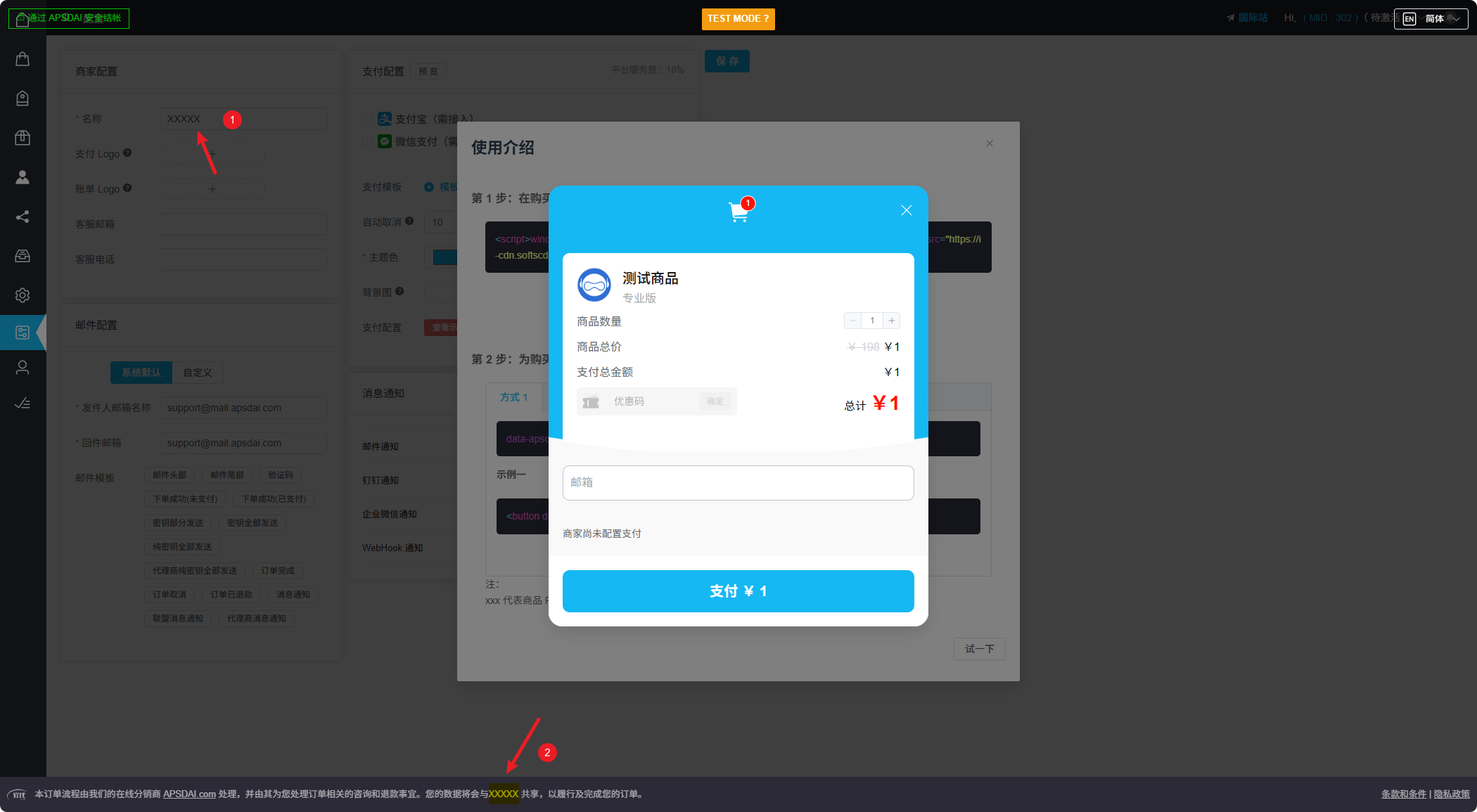
Payment Page Display Effect
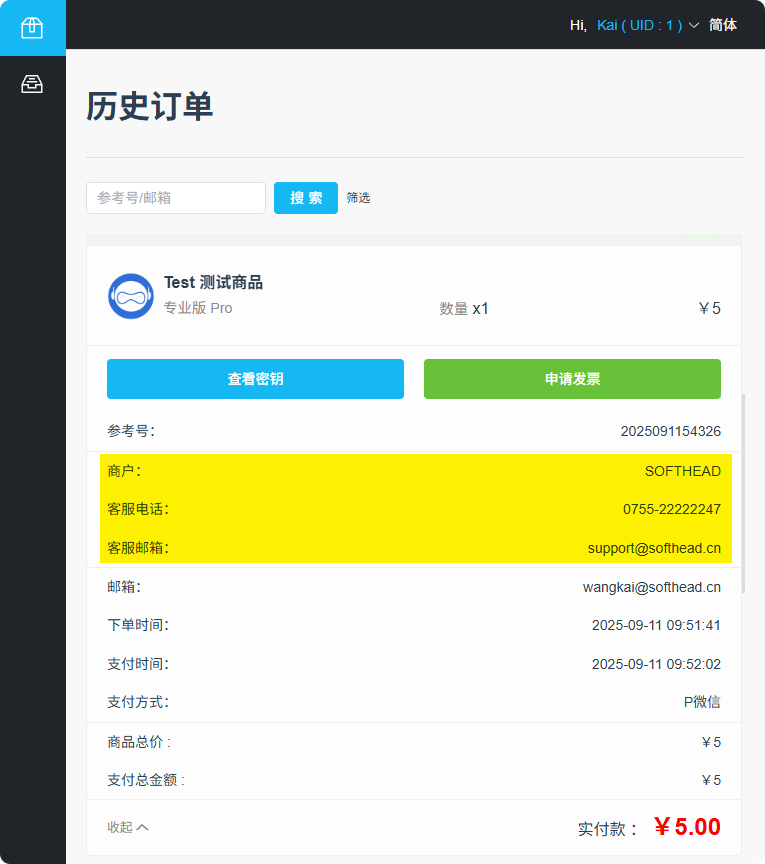
Order Email Display Effect
Payment Logo
The payment logo will be displayed at the top of the payment page to help users identify your brand.
| Configuration | Description |
|---|---|
| Recommended Size | 125 × 30 px |
| Supported Formats | PNG, JPG |
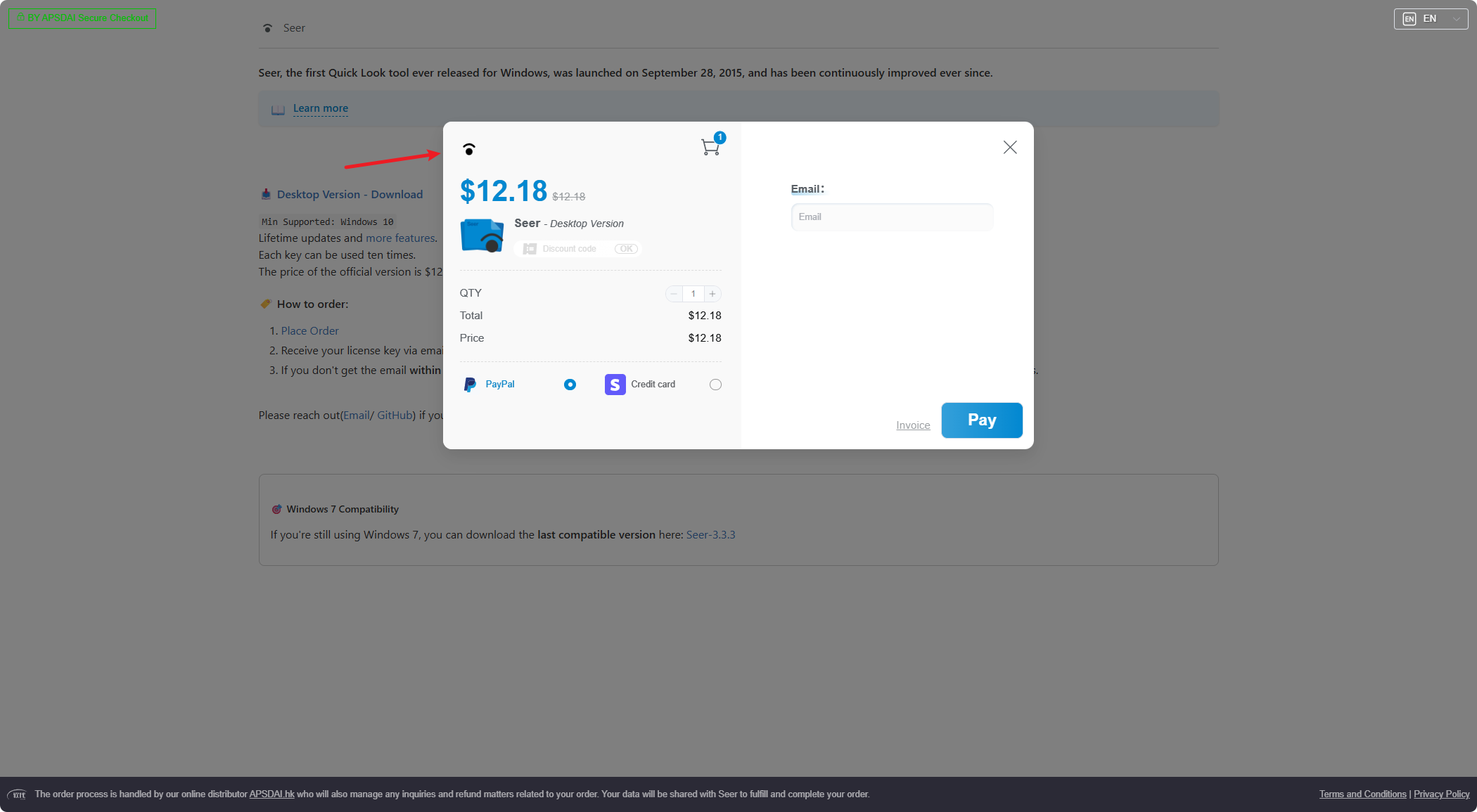
Payment Page Logo Display Effect
Invoice Logo
The invoice logo will be displayed in PDF invoice documents.
| Configuration | Description |
|---|---|
| Recommended Size | 125 × 30 px |
| Supported Formats | PNG, JPG |
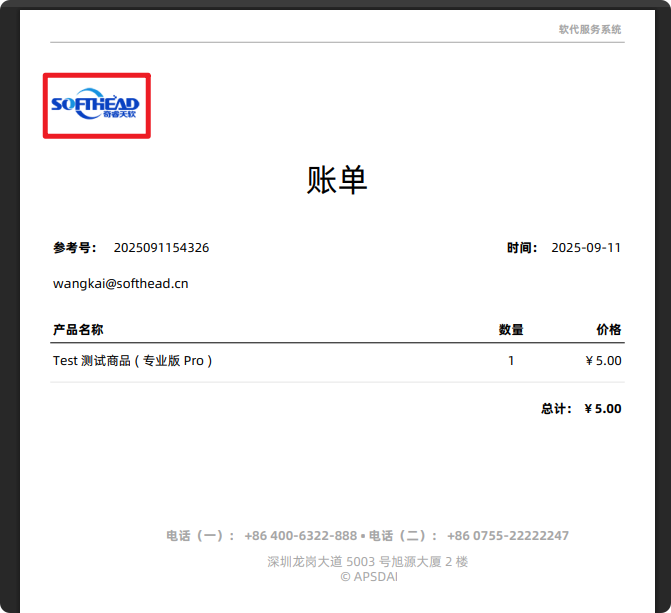
PDF Invoice Logo Display Effect
About Invoices
Invoices are in PDF document format and typically appear in the following locations:
- In payment success emails
- On the payment success page
Usage Tips
If you don't want to display invoices in emails, you can customize the email template and remove the invoice field.
International users typically need the invoice feature more, while domestic users have relatively less demand for it. However, adding invoices can make your service appear more professional and legitimate.
International users typically need the invoice feature more, while domestic users have relatively less demand for it. However, adding invoices can make your service appear more professional and legitimate.