This guide will help you quickly complete registration and login to the APSDAI Merchant Center and start your software sales journey.
Register Account
1
Visit Registration Page
Open APSDAI registration page: www.apsdai.hk/#/register
Next Steps
After completing registration and login, you can continue with the following:
- Complete Merchant Onboarding - Unlock all features
- Add your first product
- Configure payment methods
Use your registered email and the initial password you received to log in to the Merchant Center. After successful login, you will see a simple configuration guide to help you quickly understand the system features.
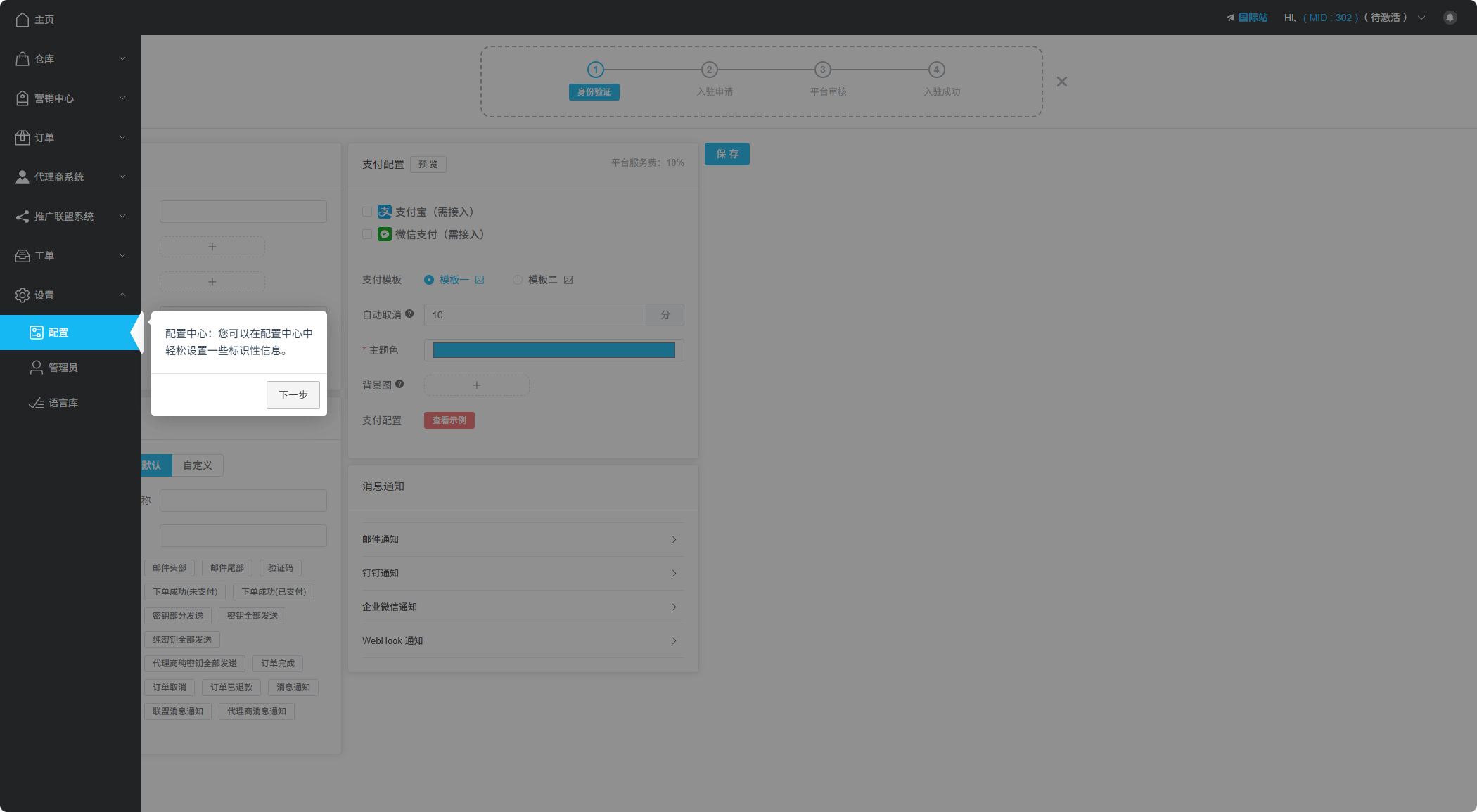
Merchant Center Configuration Guide Interface
Change Password
For account security, we recommend changing your initial password immediately after your first login.
In the top right corner of the Merchant Center, click on your account avatar or name to find the password change option.
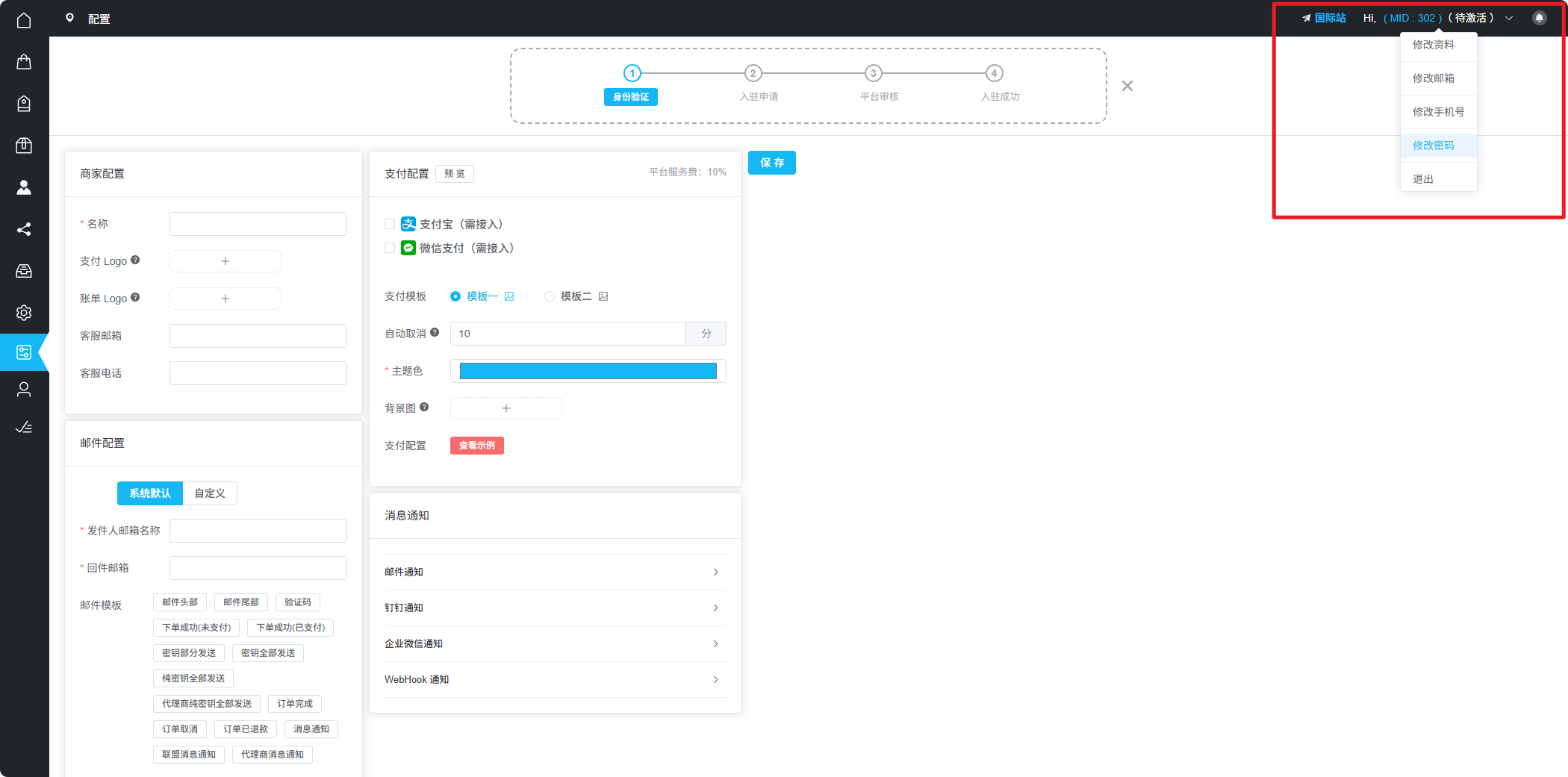
Find the password change option in the top right corner
Security Tip
Please set a strong password containing letters, numbers, and special characters, and keep your login credentials safe.
Next Steps
After completing registration and login, you can continue with the following:
- Complete Merchant Onboarding - Unlock all features
- Add your first product
- Configure payment methods