In the Merchant Center's "Orders - Billing Records", you can quickly create payment bills for personalized service payments.
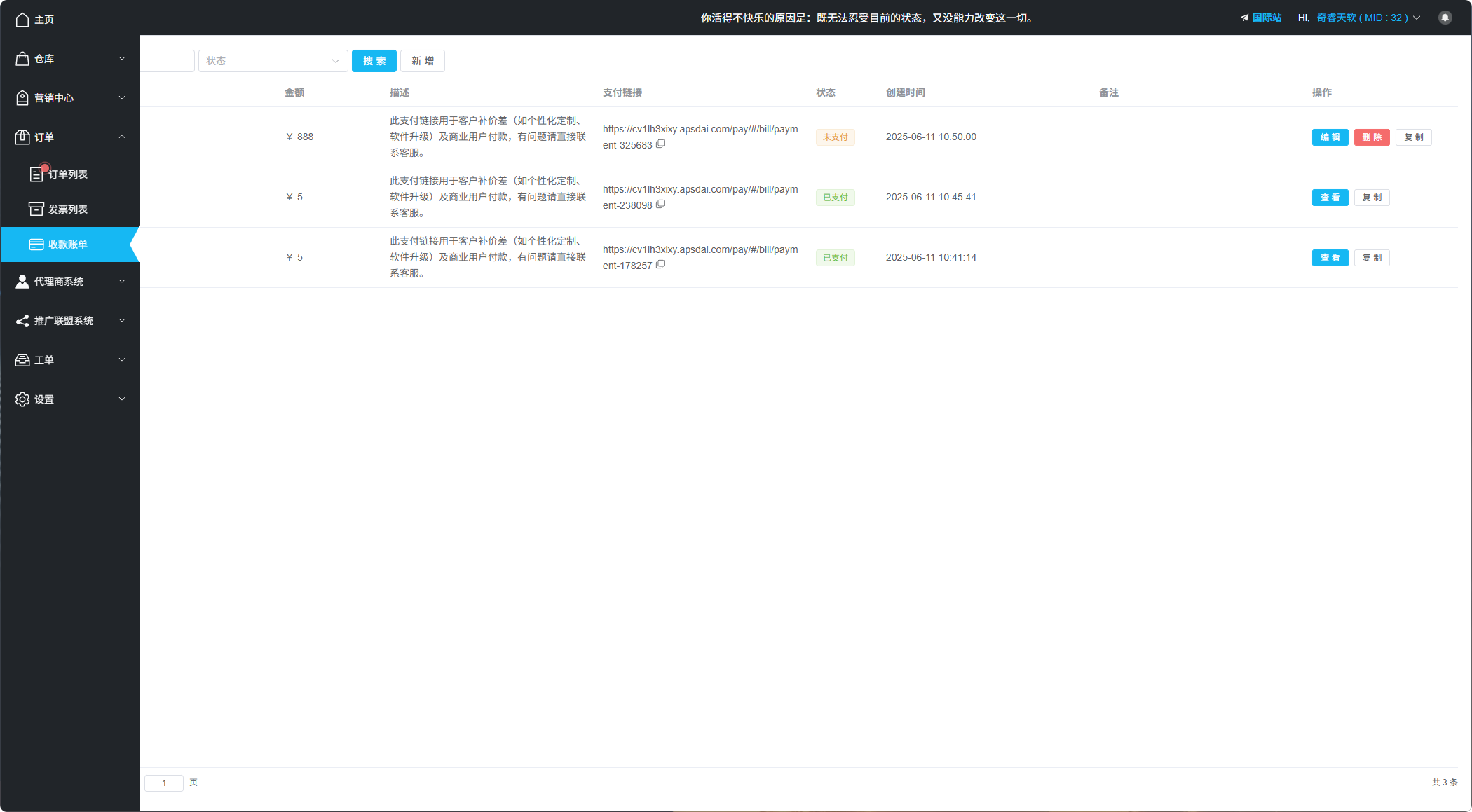
Billing Records List Interface
Feature Overview
Billing Records is a very practical feature, suitable for personalized service payment scenarios, allowing quick payments without creating products.
Create Bill
Creating a new bill is very simple. Click the "Add" button and fill in the following information:
| Configuration | Description |
|---|---|
| Bill Amount | Set the amount to be collected |
| Bill Description | Fill in detailed description of the bill |
| Notes | Add simple notes to the bill (optional) |
| Logo | Upload logo to increase bill recognition (optional) |
| Background Image | Upload background image to beautify the bill page (optional) |
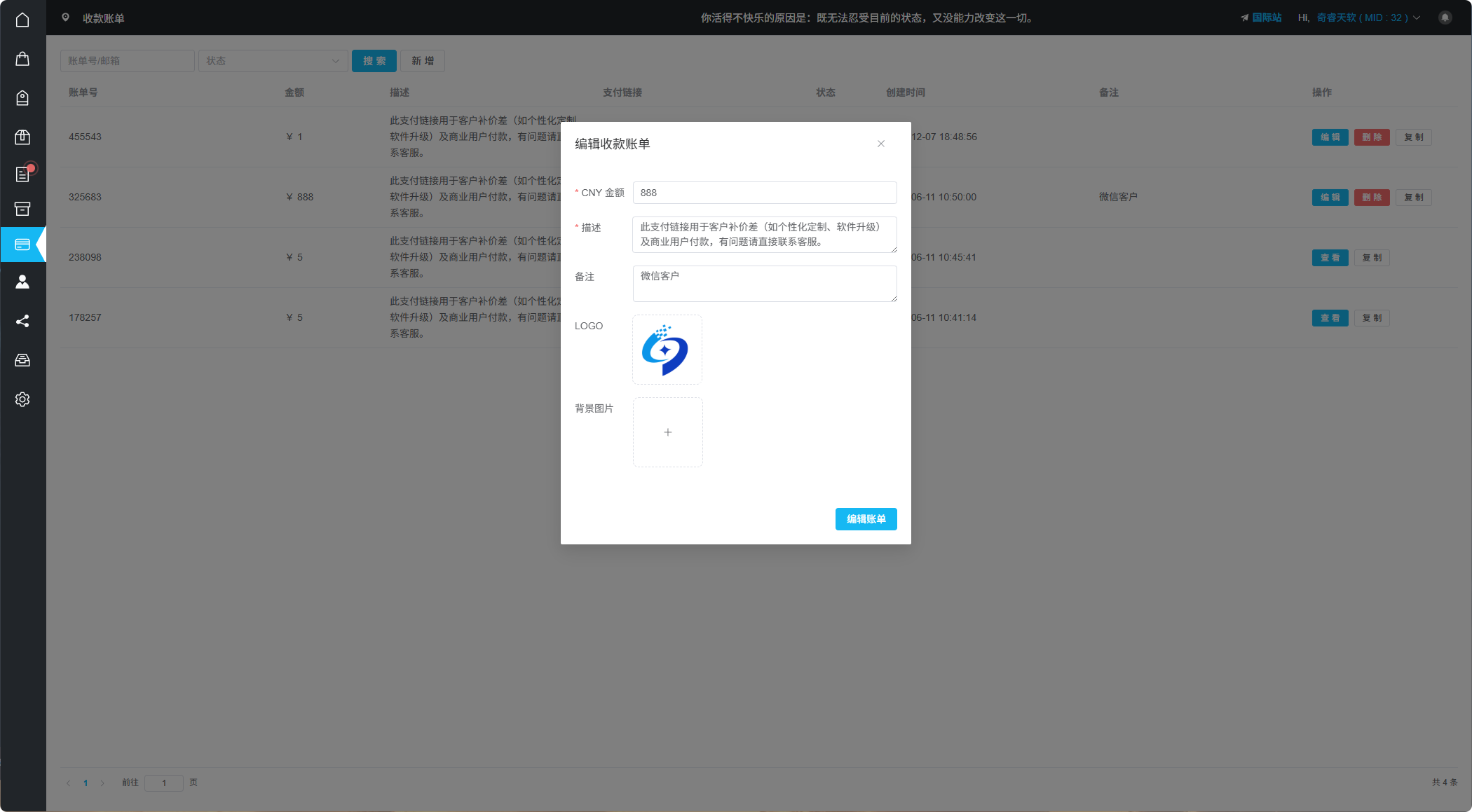
Create Payment Bill
Share Bill
After creating a bill, click copy link to send to the customer. Customers can complete payment quickly on mobile or desktop.
Mobile Support
Perfectly adapted for mobile, customers can complete payment anytime, anywhere
Desktop Support
Also compatible with desktop, providing consistent payment experience
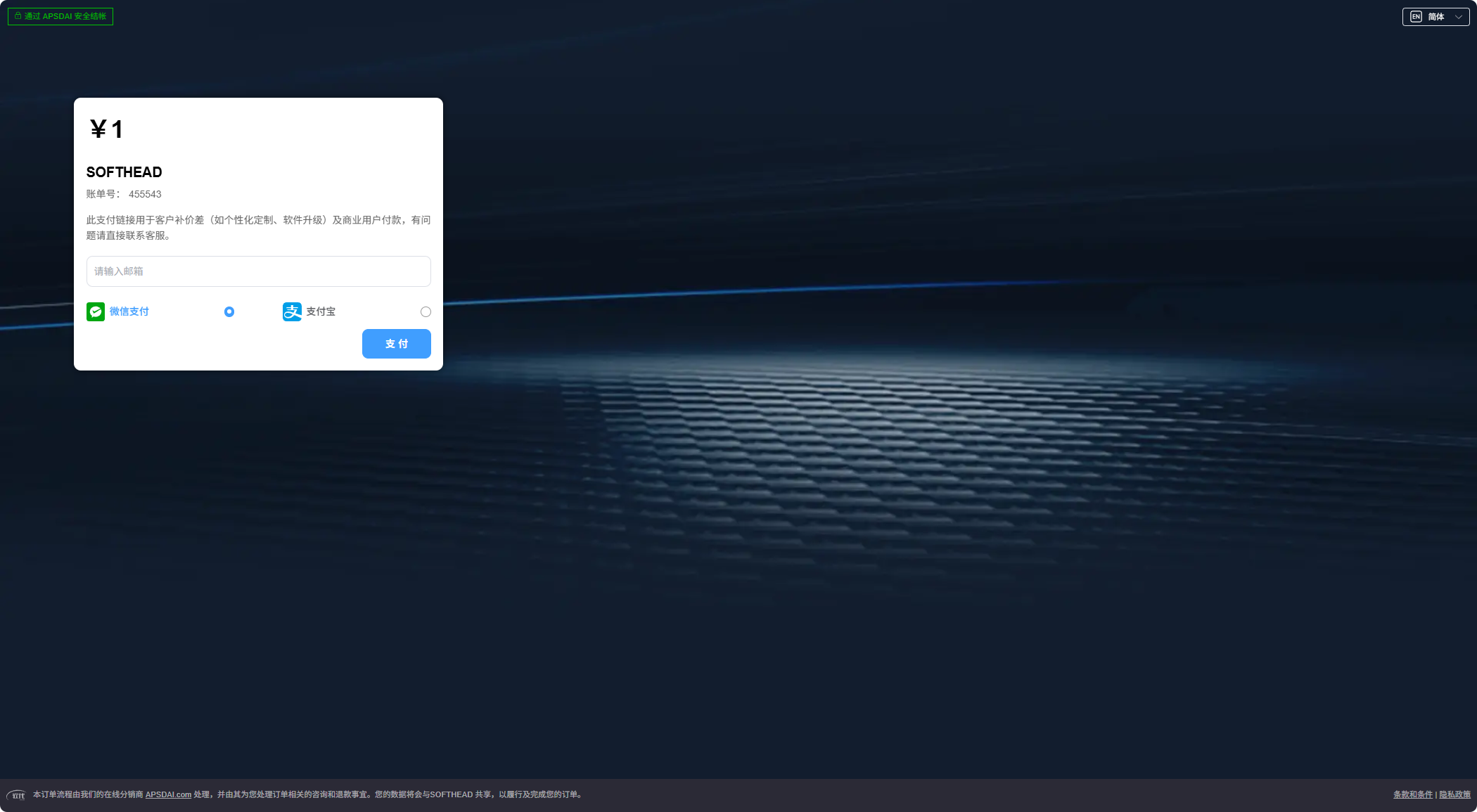
Payment Bill Page Display
Use Cases
Billing Records is suitable for one-time service fees, custom service payments, consultation fee collection, etc., without needing to create products in advance.