In the Merchant Center's "Reseller System - Configuration", you can customize the reseller system settings.
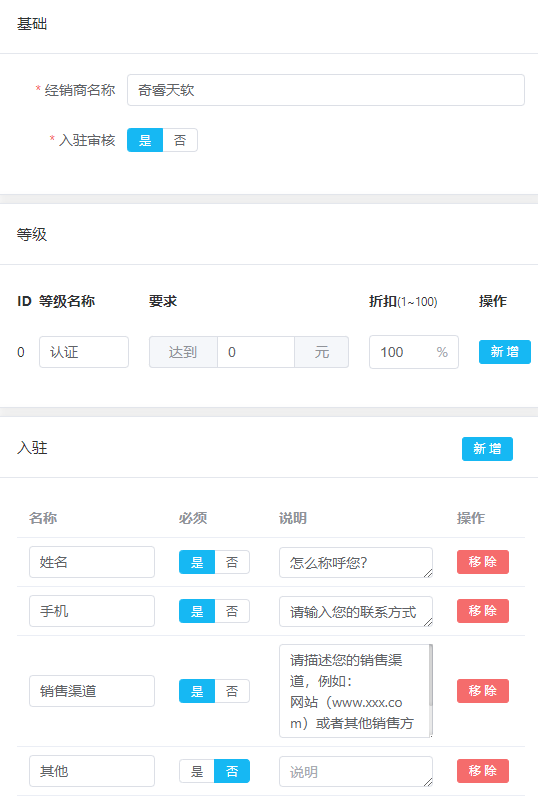
Basic Configuration
Merchant Name
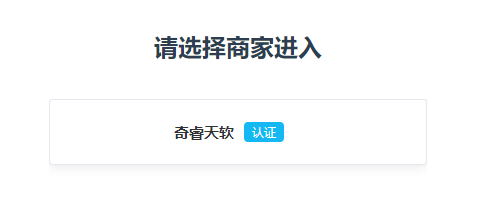
This name will be displayed in the reseller registration and dealer account, letting resellers know which merchant they are applying to join.
Reseller Tiers
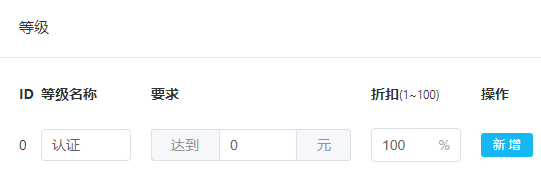
For quick setup, the system has 1 preset reseller tier. You can configure multiple reseller tiers based on business needs, with different tiers enjoying different discounts and benefits.
Onboarding Information
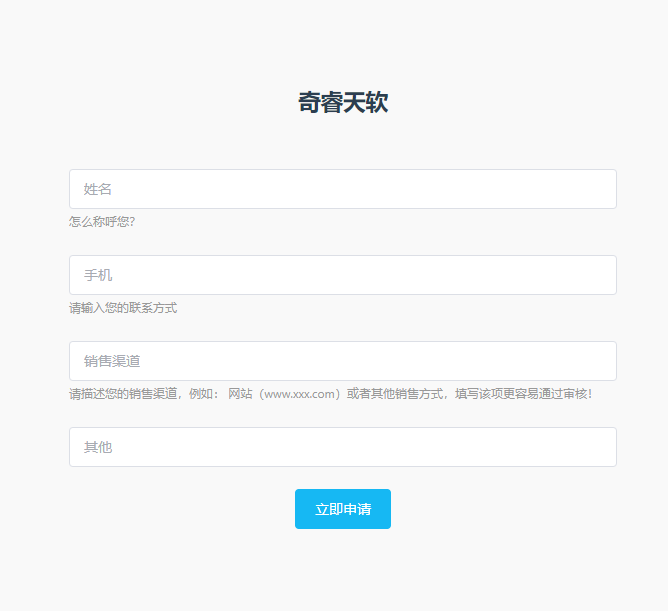
The system has preset some application fields. You can add or modify them to collect the information resellers need to submit when applying.
Product Configuration
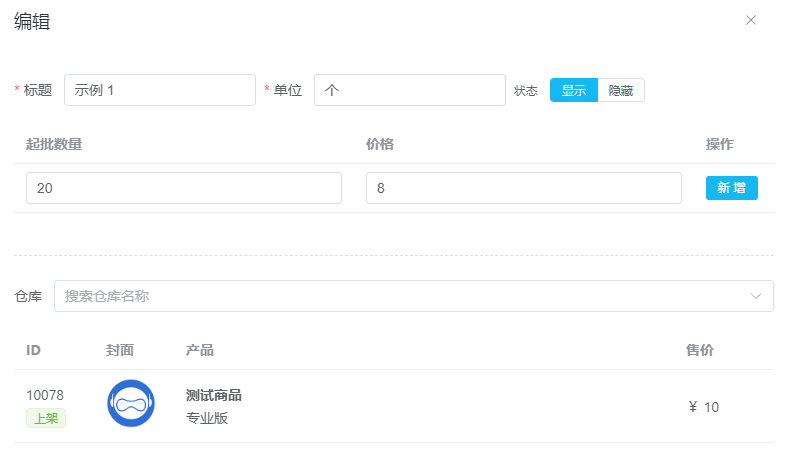
Set products available for reseller procurement. The system has a preset test product template. You can set:
- Minimum Order Quantity - Minimum quantity resellers need to purchase
- Corresponding Discount - Discount rates for different purchase volumes
Invite Registration
After completing the above configuration, your exclusive reseller registration link will appear in the top right corner of the "Users" section. Share this link with potential resellers so they can register to become your resellers.
