The user portal system makes order queries simple and direct. Previously, users had to go through tedious steps and multiple pages to check order and invoice status. Now it only takes a few steps.
Login to User Portal
1
Access User Portal
2
Enter Email Address
Enter the email address you used when placing the order
3
Get Verification Code
The system will send a verification code to your email
4
Complete Login
Enter the verification code to log in
Query Orders
After successful login, you will see all orders under that email. Click on an order to view detailed information:
- Order Status - View current order status
- Payment Details - View payment amount, time, etc.
- Product Info - View purchased product details
- License Keys - View issued license keys
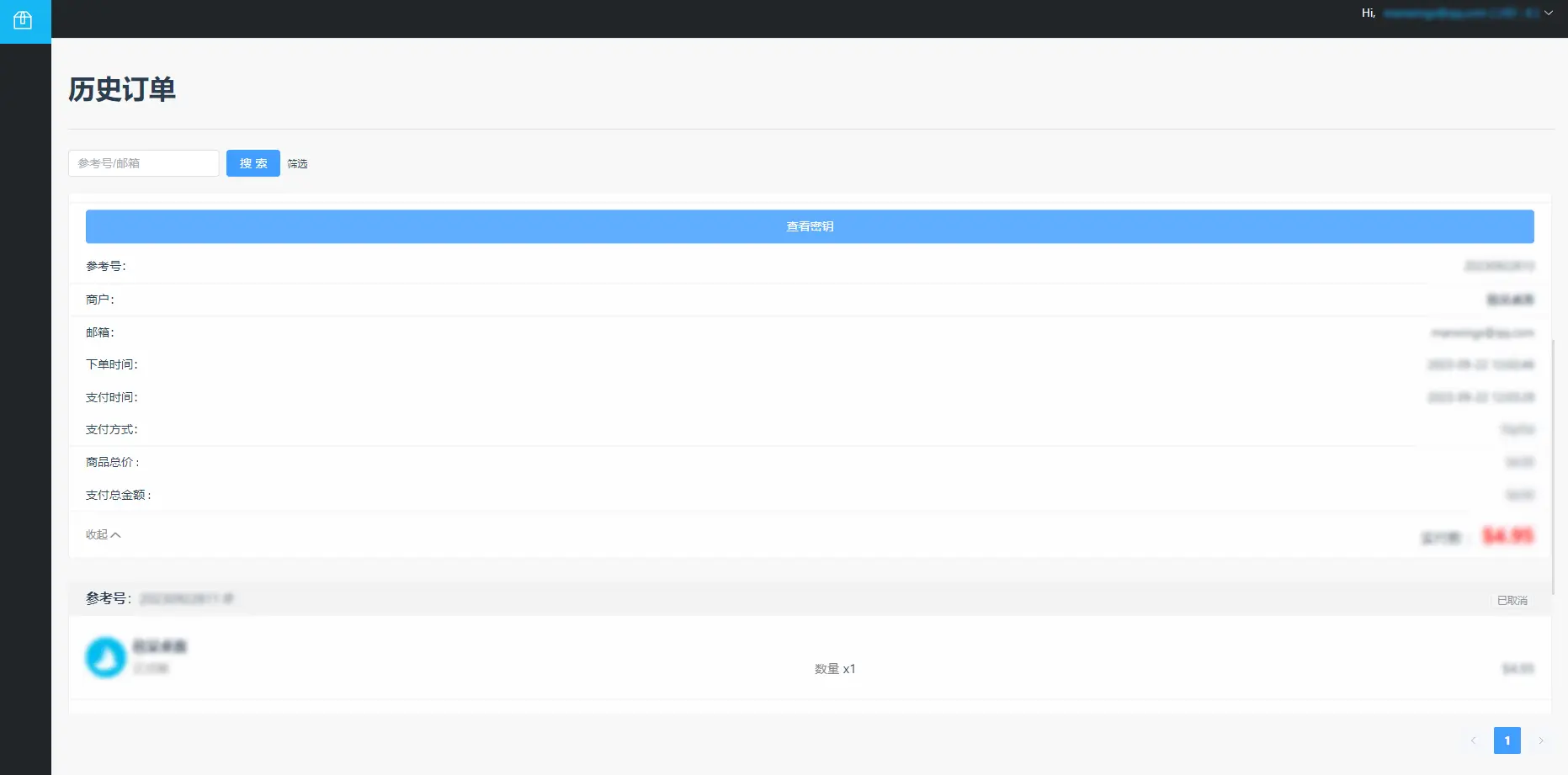
Order List Interface
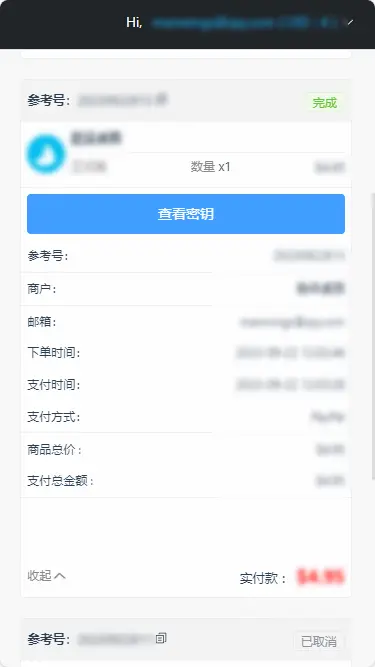
Order Details Page
View Invoice
In the order details, you can also view invoice status:
- Pending - Invoice request submitted, awaiting processing
- Issued - Invoice issued, available for download
Invoice Download
After the invoice is issued, the system will send an email notification. You can download the invoice file directly from the order details.