Professional, Fast End-User Service
The user portal system is designed from a true user perspective, solving the challenge of order inquiries. Through quick verification code login, users can easily check order and invoice status while ensuring login security.
Access URL
The user portal supports both desktop and mobile access, adapting to various screen sizes:
Access URL: https://client.apsdai.com/
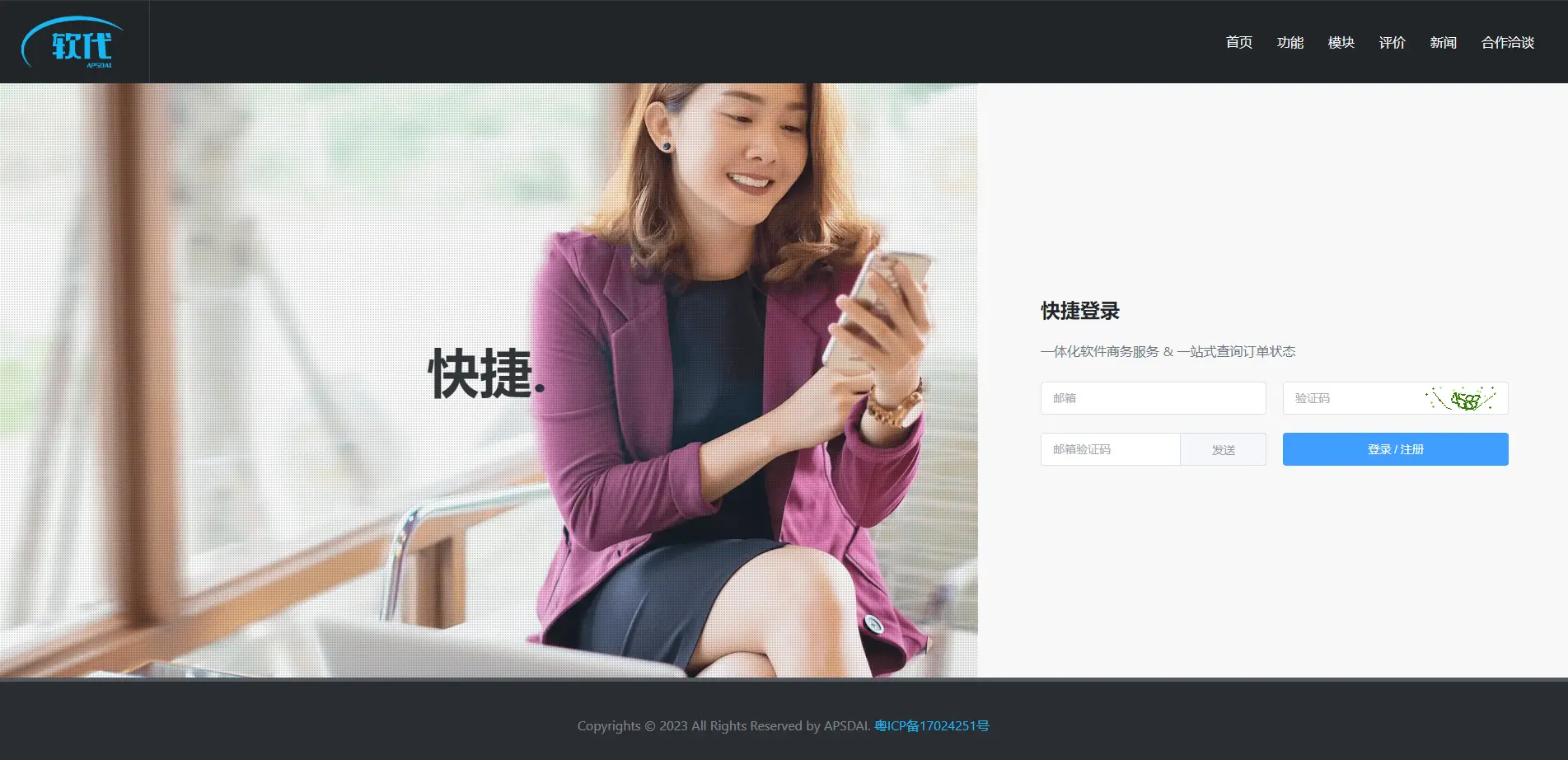
User Portal Desktop Interface
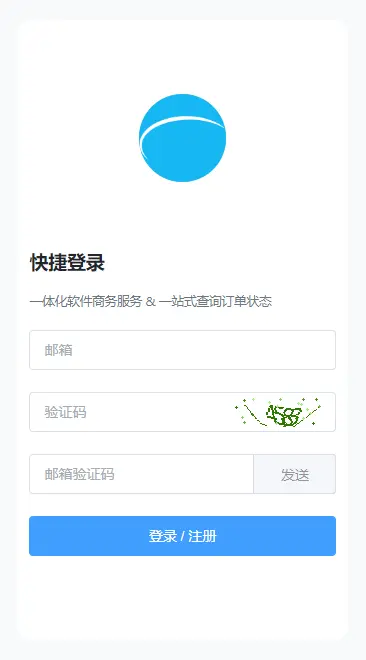
User Portal Mobile Responsive Interface
Verification Code Login
Traditional user information input often makes users feel insecure. The user portal system significantly improves user experience by introducing verification code login:
- Users only need to enter their email address on the login page
- The system sends a verification code to the order email address in real-time
- Users can complete the login process quickly and conveniently
Security
Verification code login uses one-time codes, effectively preventing malicious attacks. Users can handle sensitive information with confidence without worrying about account security.
Multi-Language Support
The user portal now supports multi-language display to meet global user needs:
- Simplified Chinese
- Traditional Chinese
- English
The system can automatically switch to the corresponding language interface based on browser language settings. You can also manually select your preferred language through the language switcher in the top right corner.
Core Features
Order Query
Easily view order status, payment details
Invoice Management
View invoice status, download invoice files
Self-Service Invoicing
Apply for invoices without contacting support
Multi-Language Support
Supports Simplified Chinese, Traditional Chinese, English