This guide will introduce advanced product configuration options, including category management, invoice feature, download guides, and parameter collection.
Category Management
If you sell many products, you can create category groups for easier maintenance and management:
- Create product categories in the Merchant Center
- Assign products to corresponding categories
- Categories can be used for product filtering and display
Invoice Feature
Disabled by default. When enabled, an invoice entry will appear on the checkout page, allowing users to fill in invoice information when ordering.
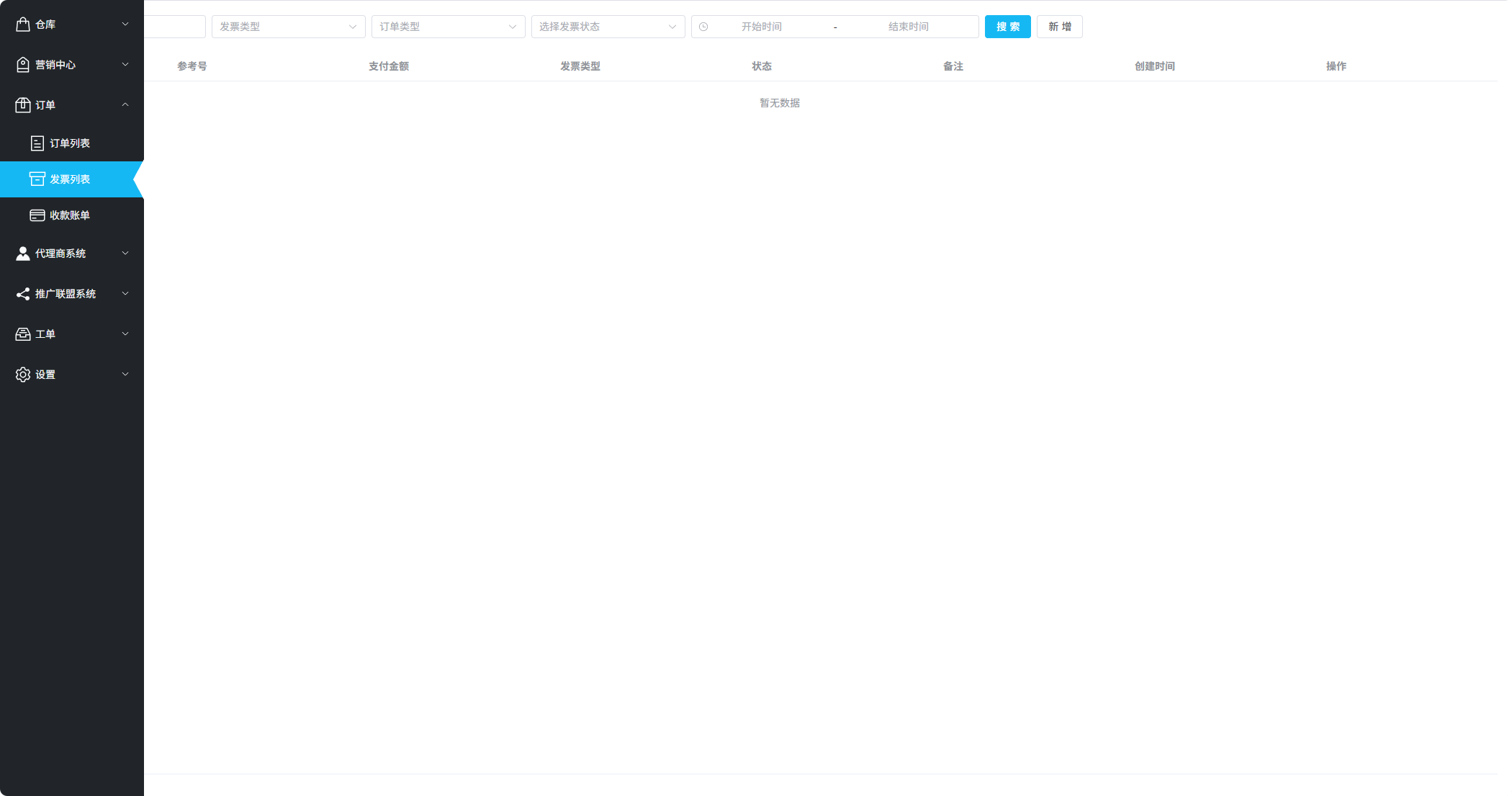
Invoice Feature Configuration
You can view and process all invoice requests in "Orders - Invoice List".
Download & Guide
Configure download and usage guides for users after purchase:
| Configuration | Description |
|---|---|
| Download URL | After payment, this download link will be displayed on the payment completion page and order email |
| Guide URL | Software installation and activation tutorial link to help users complete the setup process |
| Order Confirmation | Terms or notes that users must check and confirm before placing an order |
Parameter Collection
Used to collect necessary user information in orders. Parameter names should not exceed 5 characters.
Supported Parameter Types
- String - Text input
- Number - Numeric input
- Image - Image upload
- Attachment - File upload
Collection Timing
Collect Before Order
Users must provide this information before they can proceed to payment
Collect After Order
Users pay first, then upload information after payment. Order is processed after merchant approval
Usage Tips
The "Collect After Order" feature is especially suitable for educational discount orders that require student verification. Users can pay first, then upload student ID and other proof materials.
Related Documents
- Product Management Overview
- Pricing & Inventory
- License Key Warehouse
- Add Your First Product (Complete Guide)